
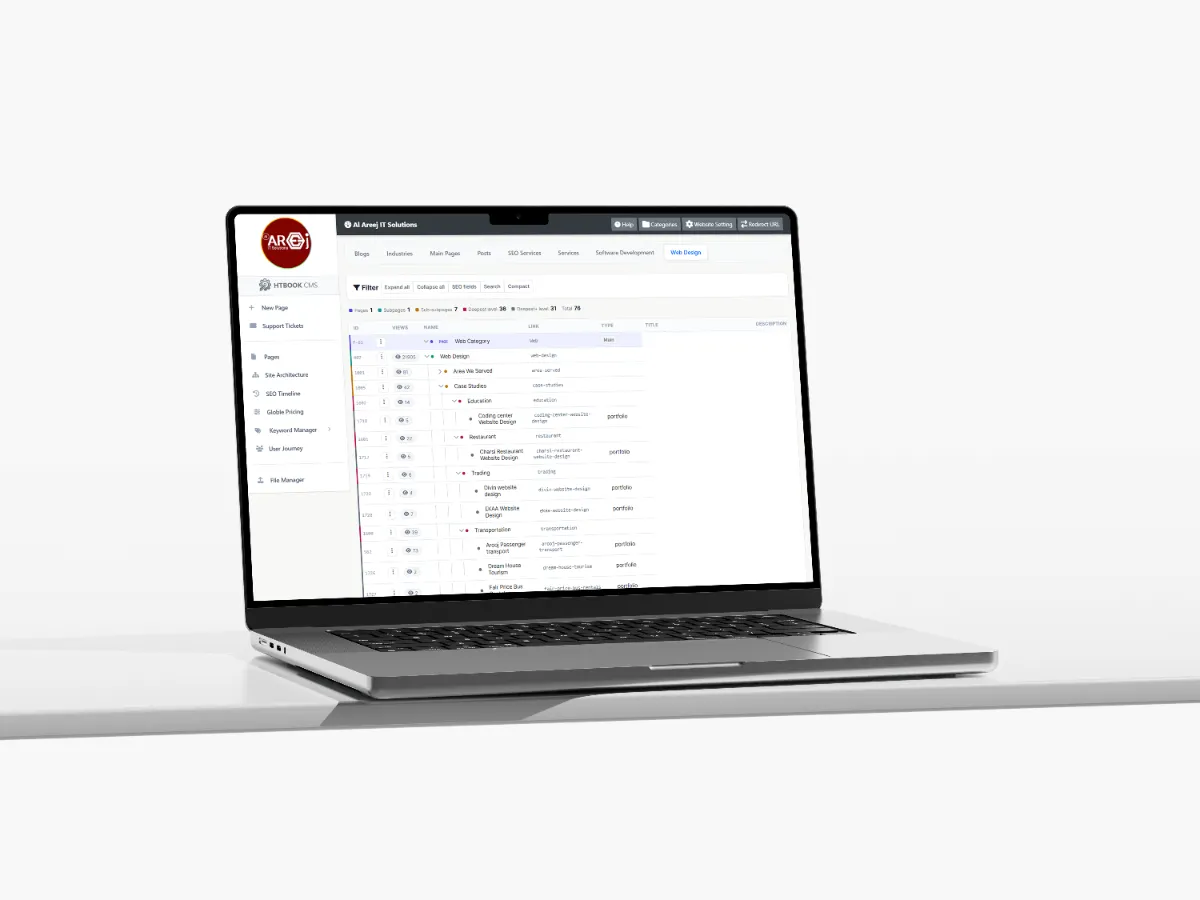
Powerful Content Management System for Websites
Manage website pages, content, SEO, URLs, files, and site structure from one powerful Content Management System built by Al Areej IT.
Read the articleLearn when a website needs a redesign and how to plan the work properly.
A website does not always need to be replaced completely. Sometimes the business has changed, the design feels outdated, the mobile experience is poor, or the existing website no longer produces the results it should.
A website redesign gives you an opportunity to improve what already exists instead of starting everything from zero. The important part is knowing what needs to change, what should stay, and why the redesign is necessary.
A good redesign is not simply about making a website look newer. It should make the website clearer, easier to use, faster, more useful, and better aligned with the current needs of the business.
A website redesign means improving an existing website's structure, content, visual design, user experience, technology, performance, or a combination of these areas.
The amount of work can vary significantly. Some projects only need a new visual design, while others may require new content, a different page structure, improved SEO, new functionality, or a complete technical rebuild.
The right approach depends on the condition of the existing website and the goals of the business.
Understand what is working, what is outdated, what visitors struggle with, and which parts of the existing website are worth keeping.
Define what the redesign should improve, whether that means more enquiries, better usability, stronger branding, better SEO, or improved performance.
Identify outdated, missing, duplicated, or useful content before deciding what should be rewritten, moved, combined, or removed.
Improve navigation, mobile usability, page structure, forms, calls to action, and the overall experience visitors have on the website.
Improve technical foundations, page speed, content structure, internal links, metadata, and other important SEO elements without unnecessarily losing existing value.
Test the redesigned website carefully, protect important URLs, launch it properly, and monitor the website after going live.
There is no fixed number of years after which every website needs to be redesigned. A website should be reviewed based on its condition and performance rather than its age alone.
If the design looks outdated, important information is difficult to find, the website performs poorly on mobile devices, or customers are struggling to use it, those are stronger reasons for considering a redesign.
The same applies when the business itself has changed. New services, new markets, new branding, or a different target audience may mean the existing website no longer represents the company properly.
Some warning signs are easy to recognize. Your website may look very different from your current brand, contain old information, have complicated navigation, load slowly, or feel difficult to use on phones.
You may also notice that visitors are not reaching important pages, contact forms are rarely completed, or the website generates much less business than expected.
These problems do not always mean the entire website needs to be replaced. They are signals that the existing experience should be reviewed.
One of the biggest mistakes in a redesign is immediately removing everything and starting again.
The current website may contain pages that already receive search traffic, useful content, valuable backlinks, customer information, or functionality that the business still needs.
Before changing the structure, review what already exists. Find out which pages are important, which pages perform well, and which parts are no longer useful.
A redesign should have a clear purpose. Saying “we want a modern website” is a starting point, but it is not enough to guide the project.
Maybe the business wants more enquiries. Maybe customers cannot find services easily. Maybe the website needs better mobile performance. Maybe the company has expanded into new locations or services.
Clear goals make it easier to decide which changes are actually necessary.
Not everything on an old website is automatically bad. Some pages may already perform well, some content may be useful, and some features may still work perfectly.
Keeping the right parts can reduce unnecessary work and protect valuable information.
A redesign should improve the website rather than change things simply for the sake of making them different.
A redesign is a good opportunity to look at how pages are organized.
Are important services easy to find? Are related pages connected? Are there pages that overlap? Is the navigation too complicated? Are there sections that should be combined or separated?
Improving the structure can have a bigger impact on usability than changing colors or animations.
Once the structure is clear, the visual design can be improved.
This may include typography, colors, spacing, imagery, buttons, cards, navigation, page layouts, and other interface elements.
A modern redesign should not simply follow the latest visual trend. It should create a design that represents the business and remains practical for visitors.
An old website may have been designed primarily for desktop screens. During a redesign, mobile usability should be treated as an important part of the project rather than an afterthought.
Menus, forms, buttons, images, typography, tables, and content sections should all be reviewed on smaller screens.
The goal is to make the website comfortable to use regardless of the device.
A redesign is a good time to look honestly at the content.
Some pages may contain information that is no longer accurate. Others may be too short to be useful, while some may contain unnecessary repetition.
Update important information, remove content that no longer serves a purpose, and create new pages where customers genuinely need more information.
SEO needs special attention during a redesign because changing URLs, deleting pages, or changing the website structure can affect existing search visibility.
Important URLs should be identified before the redesign. If a page needs to move to a new URL, an appropriate redirect should normally be planned rather than simply leaving the old address broken.
Page titles, headings, internal links, metadata, content, sitemap settings, and indexing controls should also be reviewed after the redesign.
It can be tempting to remove old pages because they look outdated. But an old page may still bring visitors from search engines or external websites.
Before deleting a page, check whether it receives traffic, has useful links pointing to it, or contains information that should be updated instead.
Sometimes improving an existing page is better than replacing it.
A redesign should also look at how visitors become customers.
Are contact details easy to find? Are calls to action clear? Can someone request a quote without searching through the website? Are service pages giving visitors enough information before asking them to contact you?
Small improvements to the visitor journey can make the redesigned website much more useful to the business.
A redesign is also a good opportunity to remove unnecessary technical problems.
Large images, outdated scripts, excessive plugins, unused code, poor hosting configuration, and unnecessary third-party services can all contribute to a slow website.
Performance should be considered as part of the redesign rather than treated as something to fix later.
Sometimes the existing technology is perfectly capable of supporting the new design. In that situation, a visual and structural redesign may be enough.
Other projects may have outdated code, security concerns, poor database structures, or limitations that prevent the required improvements. In those cases, rebuilding parts of the website or moving to a new technology may make more sense.
The decision should be based on the actual technical condition of the website.
Before the redesigned website goes live, test it carefully.
Check the navigation, forms, buttons, mobile layouts, images, search functions, ecommerce features, account areas, redirects, page content, and other important functionality.
It is also useful to compare important pages from the old website with the new version and make sure valuable information has not been accidentally lost.
A redesign should be treated as a controlled website change rather than simply uploading a new set of files.
Make sure backups are available, redirects are configured, the domain and SSL settings are correct, analytics are working, and important pages can be accessed after launch.
After deployment, test the live website again because the production environment may behave differently from the development environment.
The first version of the redesigned website is not necessarily the final version.
After launch, watch how visitors use the website. Look at traffic, enquiries, search performance, page engagement, form submissions, and other useful information.
If something is not working as expected, improve it. A redesign gives you a new foundation, but ongoing improvement is what keeps the website useful.
Sometimes the problem is bigger than the website's appearance. If the business needs a booking system, customer portal, ecommerce platform, CRM integration, custom dashboard, or another major function, a redesign alone may not solve the underlying problem.
In that situation, the project may need custom development alongside the redesign.
The best redesigns are not simply about making an old website look newer. They solve real problems.
Maybe customers could not find the right service. Maybe the mobile experience was poor. Maybe the website no longer represented the company. Maybe the business needed better SEO or a simpler way for visitors to make enquiries.
When the redesign starts with a real problem and ends with a measurable improvement, it becomes much more valuable.
A redesign gives you a chance to look at the entire website again with fresh eyes. You can keep what works, remove what does not, improve what is weak, and build new sections around the current direction of the business.
The goal is not simply a newer-looking website. The goal is a website that works better for the people using it and the business operating it.
Once a redesigned website is live, it still needs attention. Content changes, security updates, technical maintenance, SEO improvements, new features, and customer requirements can all appear over time.
A website works best when it is treated as an ongoing business asset rather than a one-time project.
Next guide: Website Support and Maintenance — how regular updates, monitoring, security, and improvements help keep a website reliable.
Helpful tips, insights and updates on websites, software and digital growth.

Discover the 5 things customers look for within seconds of opening your website, from clear messaging and professional design to trust, navigation, and strong calls to action.
Read the article
Manage website pages, content, SEO, URLs, files, and site structure from one powerful Content Management System built by Al Areej IT.
Read the article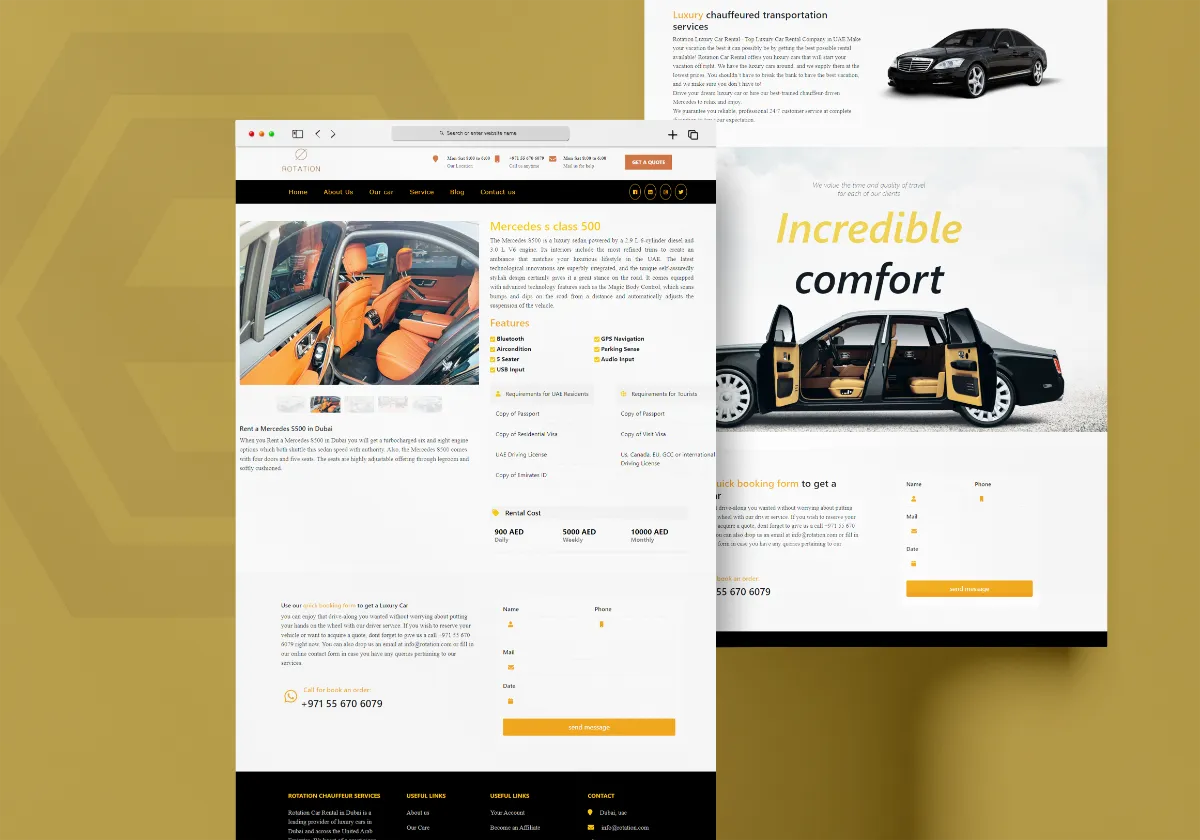
Discover how Al Areej IT designed a professional website for Rotation Car Rental with responsive design, SEO-friendly structure, and stronger Google visibility.
Read the article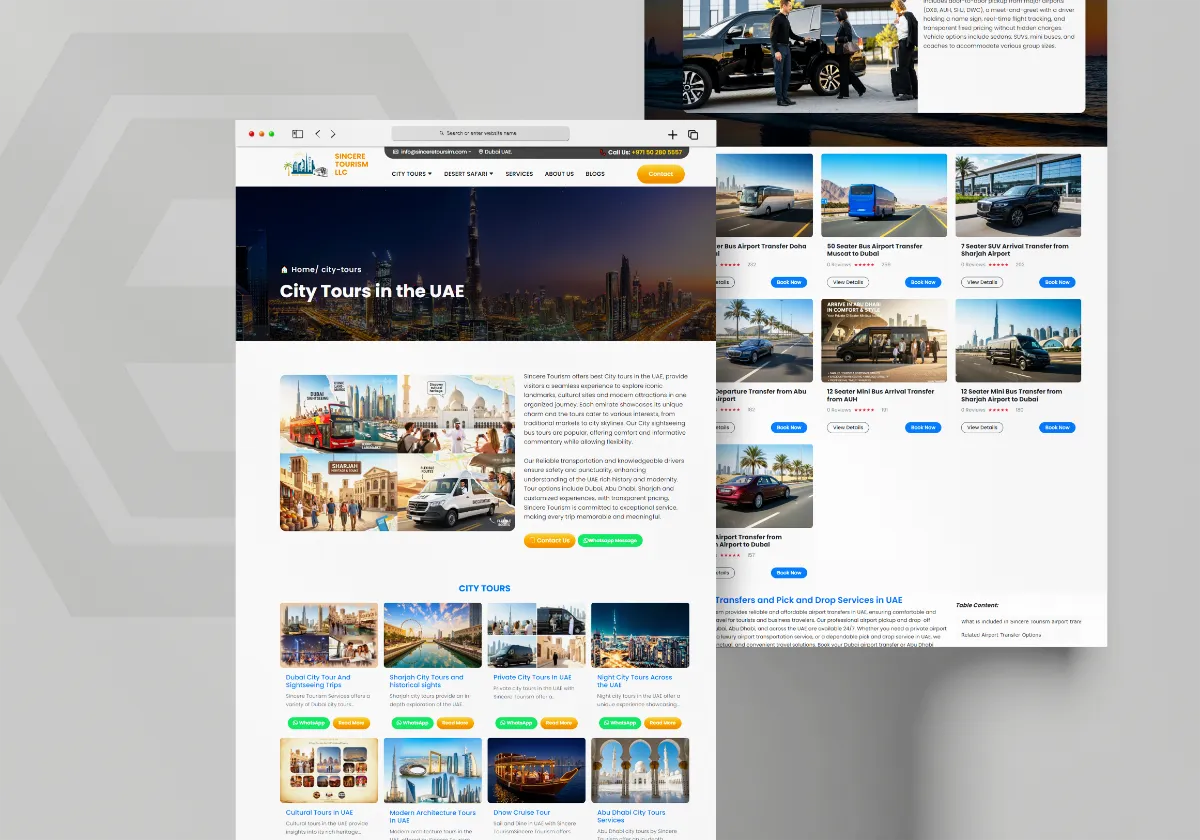
See how Al Areej IT developed a professional website for Sincere Tourism with user-friendly design, SEO-ready content, and stronger Google visibility.
Read the article


