
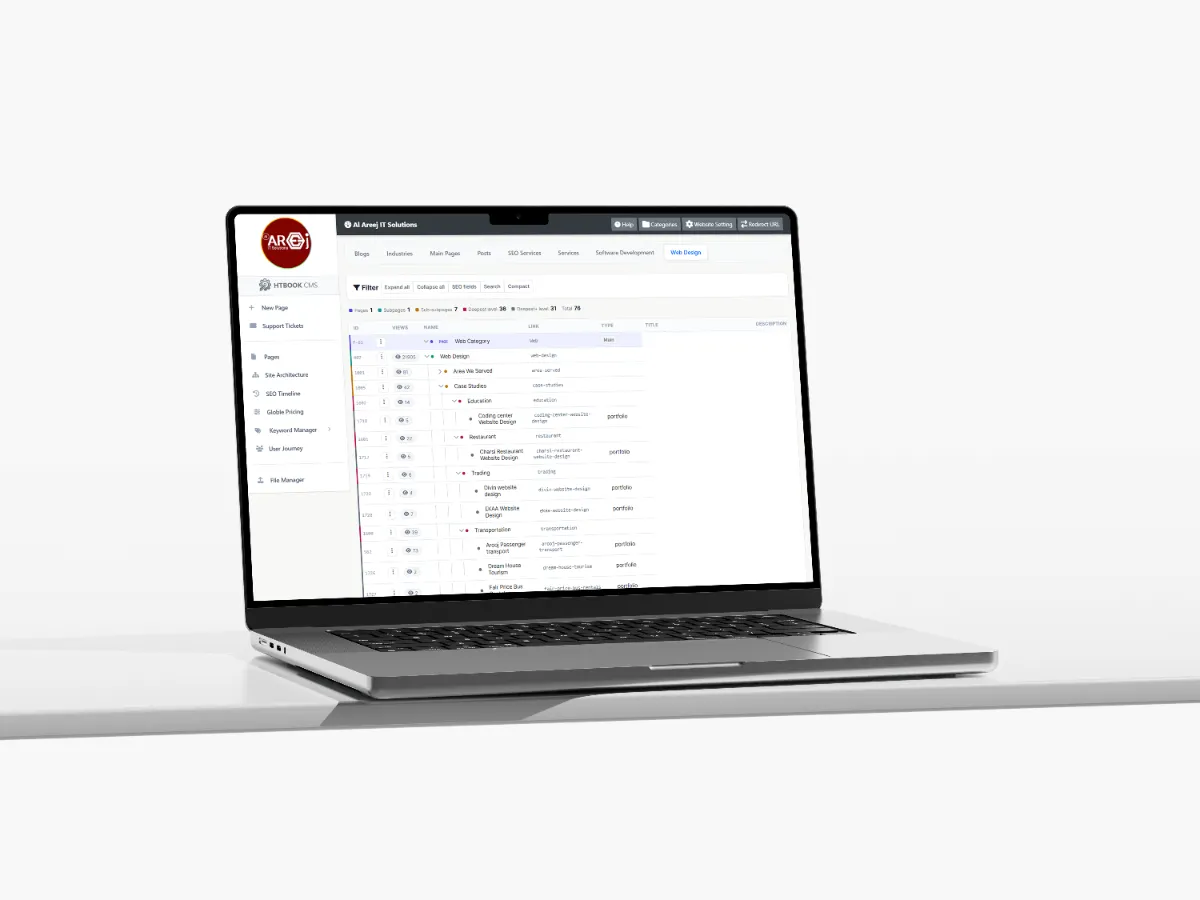
Powerful Content Management System for Websites
Manage website pages, content, SEO, URLs, files, and site structure from one powerful Content Management System built by Al Areej IT.
Read the articleLearn how to choose the right website design for your business, including website types, design styles, user experience, mobile design, SEO, speed and navigation.
Choosing a website design is not simply about finding a style you like. A design that looks great for one business may not work well for another. The right approach depends on your business, your customers, the information you need to present, and what you want visitors to do on the website.
Before choosing colors, layouts, animations, or examples from other websites, it helps to understand what your website actually needs. Once that is clear, choosing the right design becomes much easier.
The design should represent your business and make sense to the people you want to reach. A professional services company may need a clean and trustworthy presentation, while a creative business may benefit from a more visual and expressive design.
An ecommerce website has different requirements again because customers need to browse products, compare options, understand pricing, and complete purchases. A booking website may need to make availability and reservations easy to understand.
There is no single design style that is automatically right for every business. The best starting point is understanding what your customers need from the website.
Imagine that someone who has never heard of your company visits the website for the first time. Can they understand what you do within a few seconds? Can they find the information they came for? Do they know what they should do next?
These questions are more important than whether a particular animation or visual effect looks impressive.
A good design reduces confusion. It gives important information enough space, creates a clear visual hierarchy, and guides visitors naturally through the page.
Before choosing colors, layouts, or visual effects, first decide what kind of website you are building. The type of website affects its structure, content, features, and overall design.
A professional website that explains your business, services, experience, locations, and contact options in a clear and simple way.
A larger website for companies with multiple services, departments, locations, resources, and business information that needs a clear structure.
An online store designed around products, categories, search, pricing, shopping carts, checkout, payments, and a smooth buying experience.
A website focused on explaining your services, building trust, answering customer questions, and making it easy to request an enquiry or quotation.
A web-based system built around specific business needs such as customer accounts, bookings, dashboards, reports, workflows, or internal operations.
Once you know what type of website you need, you can decide how it should look and feel. The design should match your brand and customers rather than simply follow whatever trend is popular today.
A simple approach using clear typography, balanced spacing, focused layouts, and fewer distractions so visitors can concentrate on your content.
A more dynamic style using animations, transitions, and interactive elements to create an engaging experience without sacrificing speed or usability.
A structured design focused on trust, consistency, strong typography, and clear communication for professional and corporate businesses.
A more expressive approach using bold layouts, imagery, typography, illustrations, and visual storytelling while keeping the website easy to use.
Looking at other websites can be useful when you are trying to understand what works in your industry. You can see how competitors organize their services, present information, use navigation, and communicate with customers.
But copying another website rarely creates a strong identity for your own business. Instead, look at several websites and ask what works, what does not, and what could be improved for your own customers.
Your competitors can provide useful research. They should not become your design brief.
Design and content need to work together. If you choose a layout before knowing what information needs to be presented, you may end up forcing your content into a design that was never suitable for it.
Think about the type of content your website will have. Some businesses need detailed service explanations, while others rely heavily on images, products, case studies, locations, pricing, or technical information.
The design should give important content the space it needs rather than treating content as something to fill empty areas.
A website should not be designed only for a large desktop screen and then reduced to fit a phone. Mobile users may interact with the website differently, and some layouts need to change considerably on smaller screens.
Navigation, buttons, forms, images, tables, headings, spacing, and content sections should all be considered across different screen sizes.
A responsive design should feel natural on a phone, tablet, laptop, and desktop rather than looking like the same desktop page squeezed into a smaller space.
A visually impressive website is not useful if visitors have to wait for it to load.
Large images, unnecessary animations, video backgrounds, external scripts, and complicated effects can all affect performance. This does not mean a website needs to be completely plain. It means every visual element should have a reason to be there.
Good design finds a balance between appearance, interaction, and performance.
Navigation is one of the parts of a website that visitors may notice most when it is poorly designed. People should be able to understand where they are, what other sections are available, and how to get back to important pages.
Keep the main navigation focused on the pages people are most likely to need. If a website has many services or categories, use a logical structure rather than placing everything into one long menu.
A call to action tells visitors what they can do next. It could be requesting a quote, booking a service, calling the company, sending an enquiry, buying a product, or learning more.
A page does not need a button in every section. Too many competing actions can make the website feel aggressive and confusing. Choose the most useful action for each stage of the visitor's journey and make it easy to find.
Design and SEO are closely connected. A website needs a structure that search engines can understand and content that answers what people are searching for.
Important information should not be hidden behind unnecessary interactions. Pages should have clear headings, useful content, descriptive URLs, sensible internal links, and a structure that makes sense to both visitors and search engines.
A beautiful website that cannot be easily understood or discovered is not doing its full job.
The design approach and the technology behind the website should support each other. A simple business website may not need a complicated custom platform, while a company with advanced workflows may quickly outgrow a basic solution.
Think about how the website will be managed, how often content will change, what integrations are needed, how much customization is required, and what the business may need in the future.
Before approving a design direction, it is useful to step back and ask a few practical questions.
Does this design represent our business? Will our customers understand it? Is the important information easy to find? Does it work well on mobile devices? Can we add more content later? Will the website remain fast? Does it support our SEO strategy? Can our team manage it? And most importantly, does it help us achieve the reason we built the website in the first place?
If the answer to these questions is yes, you are probably moving in the right direction.
The best website design is not necessarily the one that receives the most compliments from the design team. It is the one that works for the people using it.
It should make your business easier to understand, help visitors find the information they need, create confidence, and guide people toward the right next step.
Once the purpose, audience, content, structure, and technical requirements are understood, the visual design becomes much easier to choose.
Choosing a design approach is only one part of the website process. Once the direction is clear, the next step is turning that direction into a useful page structure, content plan, and user experience.
If you are planning a new website, the next areas to consider are how the website will guide visitors toward action, how it will work across different devices, and how its content should be organized for both users and search engines.
Next guide: Conversion Focused Web Design — how website structure and design can help visitors take useful actions.
Helpful tips, insights and updates on websites, software and digital growth.
Discover the 5 things customers look for within seconds of opening your website, from clear messaging and professional design to trust, navigation, and strong calls to action.
Read the article
Manage website pages, content, SEO, URLs, files, and site structure from one powerful Content Management System built by Al Areej IT.
Read the article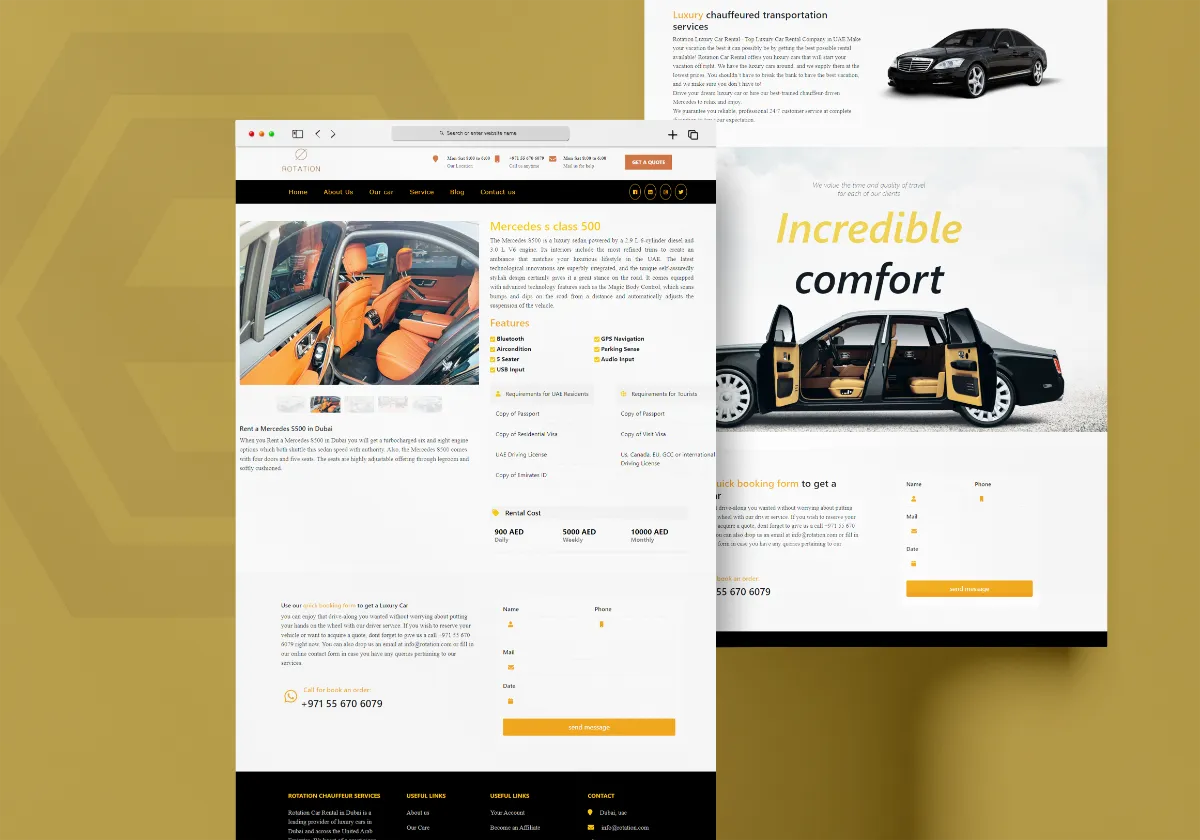
Discover how Al Areej IT designed a professional website for Rotation Car Rental with responsive design, SEO-friendly structure, and stronger Google visibility.
Read the article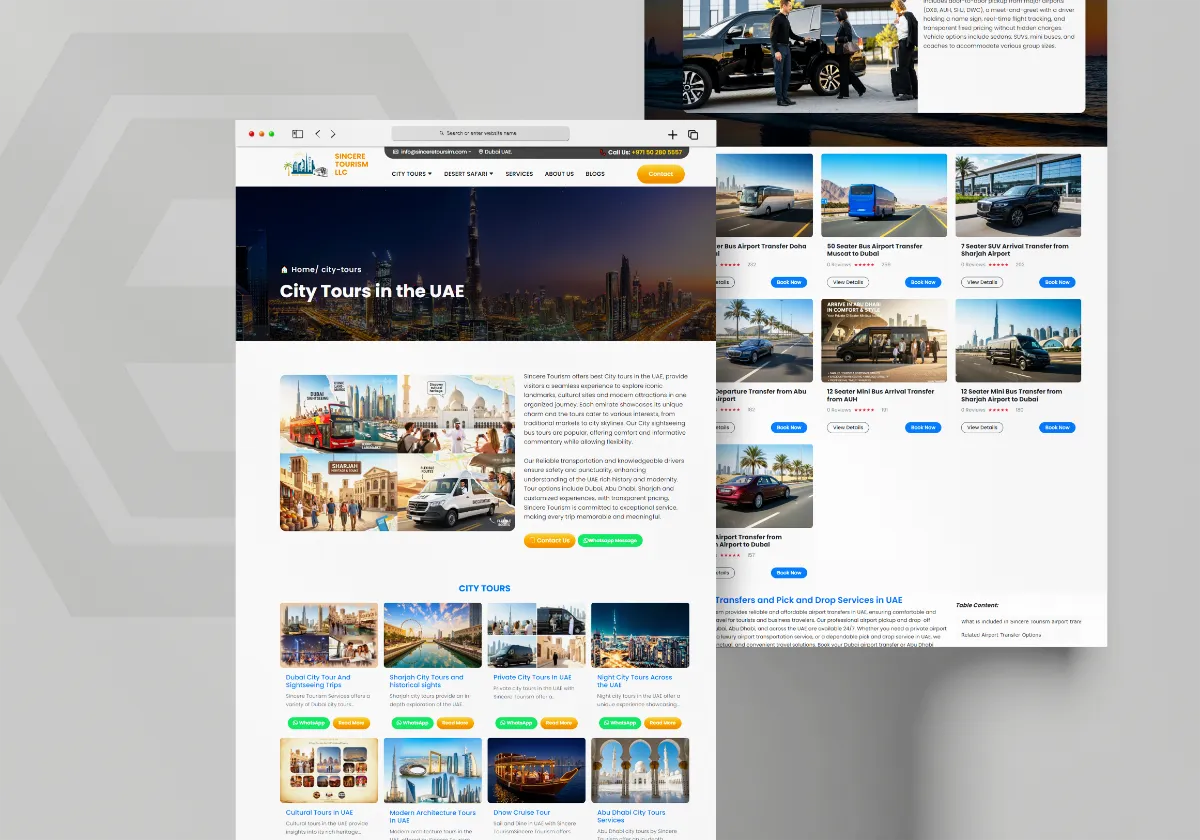
See how Al Areej IT developed a professional website for Sincere Tourism with user-friendly design, SEO-ready content, and stronger Google visibility.
Read the article


