
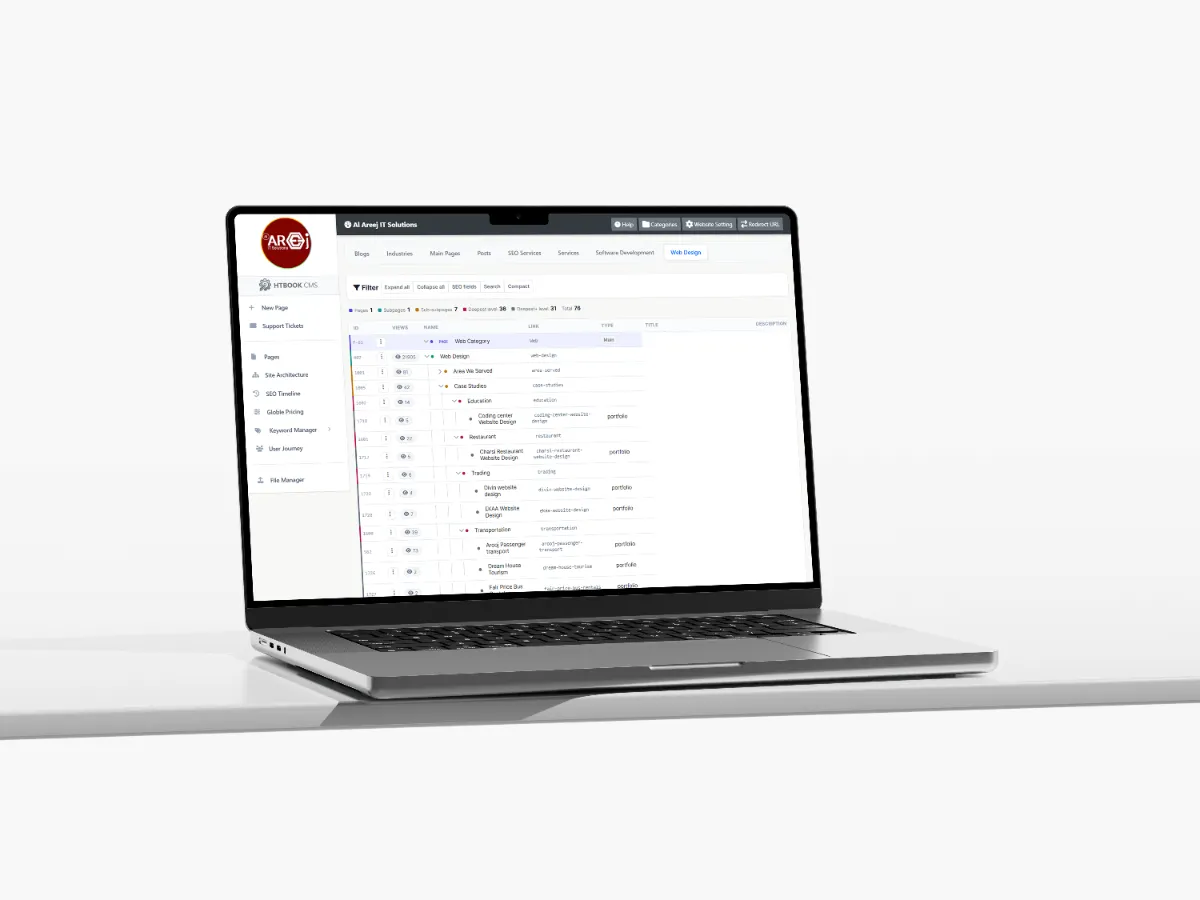
Powerful Content Management System for Websites
Manage website pages, content, SEO, URLs, files, and site structure from one powerful Content Management System built by Al Areej IT.
Read the articleLearn how to organize the text, images, services, and information your website needs.
A website can have a great design, but without useful content, it will be difficult for visitors to understand the business. Content is what explains your services, answers questions, builds trust, and helps people decide what to do next.
Website content is also more than writing paragraphs. It includes your headings, service information, images, videos, product details, FAQs, testimonials, contact information, and everything else a visitor needs to understand your business.
Planning this content before the website is designed can make the whole project easier. You know what each page needs to say, the designer knows what needs to fit into the layout, and the development team can build the website around real requirements.
The first question should not be “How much content do we need?” Instead, ask “What does our customer need to know before choosing us?”
A visitor may want to understand your services, prices, locations, process, experience, products, delivery options, or support. The answers will depend on your business.
Think about the questions customers ask before they contact you. Those questions are often a good starting point for your website content.
The words that explain your business, services, products, company information, locations, and other important pages.
Photos, illustrations, graphics, videos, and other visual content that help visitors understand and trust your business.
Useful page content created around the topics and questions your potential customers are searching for online.
Testimonials, reviews, case studies, experience, certifications, projects, and other information that supports customer confidence.
FAQs, guides, explanations, policies, processes, and other content that helps visitors make informed decisions.
Clear next steps that help visitors contact you, request a quote, make a booking, buy a product, or take another useful action.
Every page should have a clear purpose. Instead of starting with random sections and trying to fill them with text, decide what each page needs to accomplish first.
Your homepage may introduce the business and guide visitors toward your main services. A service page can explain one particular service in more detail. An about page can build confidence by explaining who you are and how you work.
The content should change according to the purpose of the page. There is no reason for every page to follow exactly the same structure.
Website content should sound like a real business talking to real customers. It does not need to be complicated or filled with impressive words.
Explain things in the way you would explain them to someone sitting in front of you. Tell people what you do, how it works, what they can expect, and why it may be useful to them.
Clear writing usually works better than trying to sound overly formal. Visitors should not need to read a paragraph twice to understand what you mean.
People rarely read every word on a website. They usually scan the page first and decide where to focus.
This makes headings, short paragraphs, meaningful sections, images, and clear links important parts of content planning.
If an important piece of information is hidden inside a long paragraph, there is a good chance many visitors will miss it.
The homepage usually gives visitors their first impression of the business. It should quickly explain who you are, what you offer, and why someone should continue exploring the website.
You do not need to explain everything on the homepage. Its job is to introduce the business and guide visitors toward the pages where they can learn more.
A good homepage may introduce your main services, explain your value, show relevant work or trust signals, mention important locations or industries, and provide clear ways to get in touch.
Service pages are often some of the most valuable pages on a business website because they allow you to explain individual services in detail.
A good service page should answer the questions someone is likely to have before choosing the service. Explain what the service is, who it is for, what you provide, how the process works, and what the visitor should do if they are interested.
If a service is important to your business, it usually deserves more than a short paragraph on the homepage.
People want to know that they are dealing with a real and reliable business. Your website can help answer that concern through useful evidence rather than simply saying that your company is trustworthy.
Show relevant experience, previous work, customer feedback, certifications, company information, team details, partnerships, or other evidence that is genuinely relevant to your business.
The strongest trust content is specific and believable. Avoid filling the website with vague claims that could be written about almost any company.
Images are part of your content strategy, not just decoration added after the text is finished.
Think about where photographs, product images, screenshots, illustrations, diagrams, or videos would actually help the visitor understand something.
For a service business, real photographs of the company, team, equipment, vehicles, projects, or locations can often communicate more than generic stock photography.
Your website should have information that is genuinely useful and relevant to your business. Copying descriptions from competitors or using generic content across many pages usually creates a weaker website.
Original content does not mean every sentence needs to be completely different from anything that has ever been written. It means the page should provide your own information, experience, explanations, examples, and perspective.
SEO should influence content planning, but it should not control the writing.
Start by understanding what your potential customers search for. Those topics can help you decide which services need individual pages, which questions deserve guides or FAQs, and which locations or industries may need dedicated content.
Each important page should have a clear topic and purpose. Avoid creating several pages that say almost the same thing simply to target slightly different keywords.
Headings help both visitors and search engines understand a page. They also make longer content much easier to scan.
The main page topic should be represented by the H1. H2 headings can divide the page into major sections, while H3 headings can be used when a section needs smaller supporting topics.
Headings should describe what comes next rather than being used only as decorative text.
Large blocks of text can make even good information feel difficult to read online. Breaking content into shorter paragraphs gives visitors more opportunities to scan and find the parts that matter to them.
This does not mean every paragraph should contain only one sentence. It simply means each paragraph should focus on one clear idea.
Content should eventually lead the visitor toward a useful next step. That might be contacting your company, requesting a quote, booking an appointment, viewing another service, purchasing a product, or reading a related guide.
The action should match the visitor's position in the journey. Someone reading an introductory article may need more information before contacting you, while someone reading a detailed service page may already be ready to request a quote.
One of the easiest mistakes in website content is adding text simply because a design has an empty section.
Every section should have a reason. If a piece of content does not help the visitor understand something, make a decision, trust the business, or find the next useful step, it may not need to be there.
A shorter page with useful information is often better than a long page full of repetition.
Designers need to know what type of content they are designing around. A short service description needs a different layout from a detailed technical explanation. A product page needs different elements from a case study.
When the content requirements are understood early, the design can support the information instead of forcing the information into a predetermined layout.
A website should change as the business changes. Services may be added, prices may change, locations may expand, team members may change, and old information can become inaccurate.
Review important pages from time to time and make sure the information still represents the business correctly.
Updating content is also an opportunity to improve pages based on customer questions, search performance, and what you have learned since the website launched.
Good content should not be treated as something that happens after the design is finished. It is part of the website itself.
When you understand the audience, page purpose, information requirements, SEO topics, images, trust elements, and calls to action before development begins, the final website usually becomes clearer and more useful.
Once you know what information your website needs, the next question is how all of those pages should be organized.
A clear structure helps visitors find information, helps search engines understand the relationship between pages, and gives the development team a better foundation for navigation and internal linking.
Next guide: Website Structure — how to organize website pages so visitors can find information easily.
Helpful tips, insights and updates on websites, software and digital growth.
Discover the 5 things customers look for within seconds of opening your website, from clear messaging and professional design to trust, navigation, and strong calls to action.
Read the article
Manage website pages, content, SEO, URLs, files, and site structure from one powerful Content Management System built by Al Areej IT.
Read the article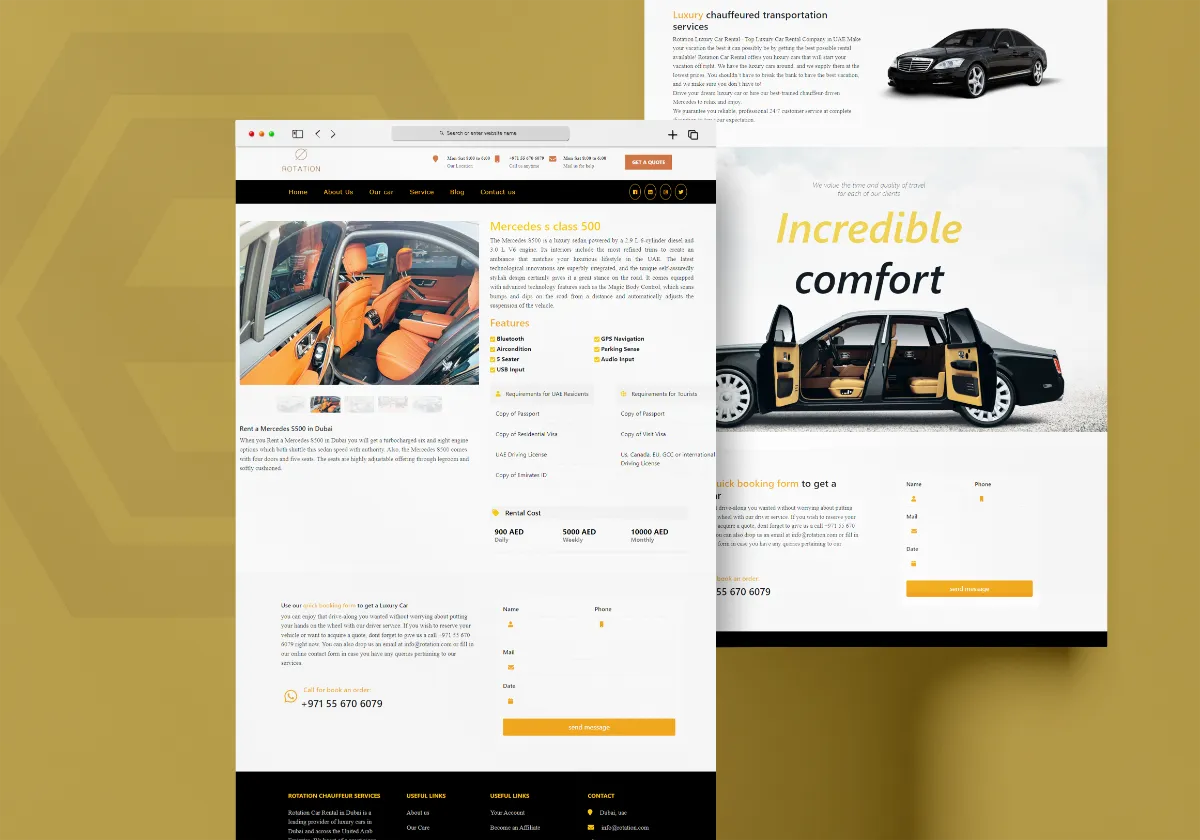
Discover how Al Areej IT designed a professional website for Rotation Car Rental with responsive design, SEO-friendly structure, and stronger Google visibility.
Read the article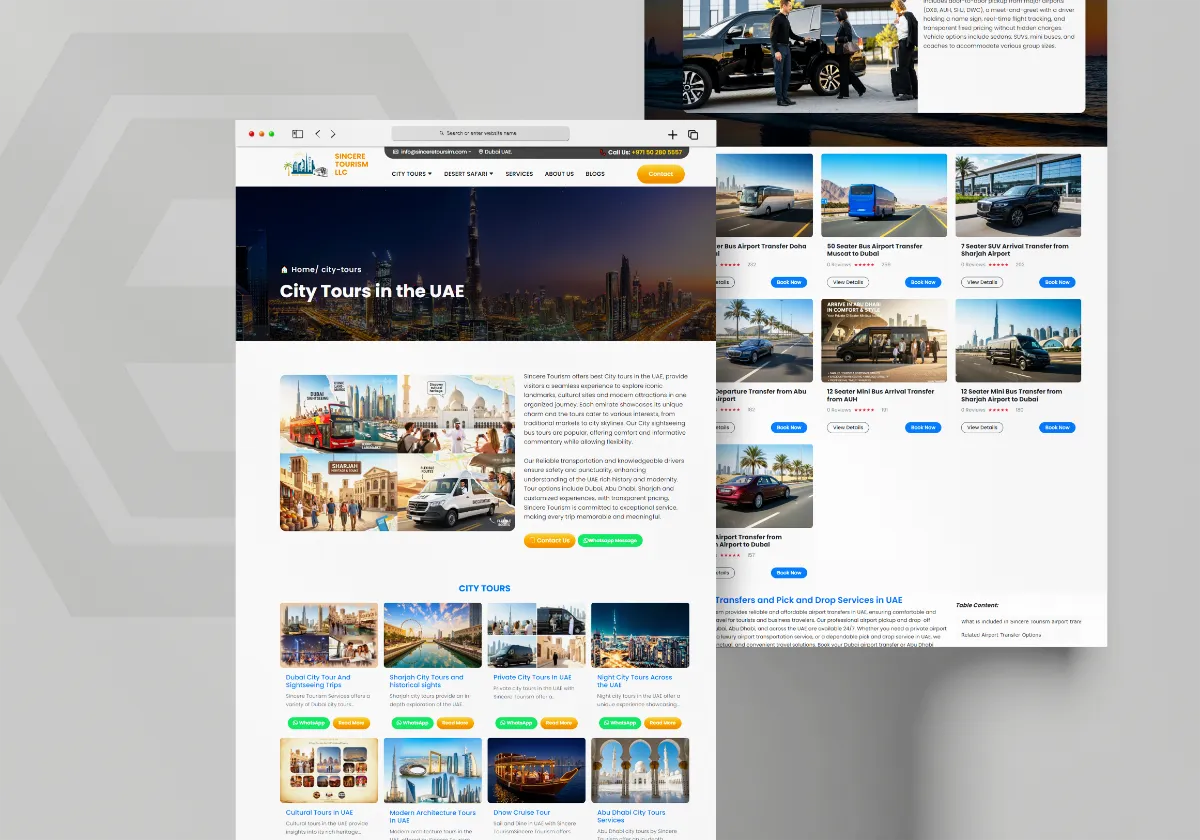
See how Al Areej IT developed a professional website for Sincere Tourism with user-friendly design, SEO-ready content, and stronger Google visibility.
Read the article


