
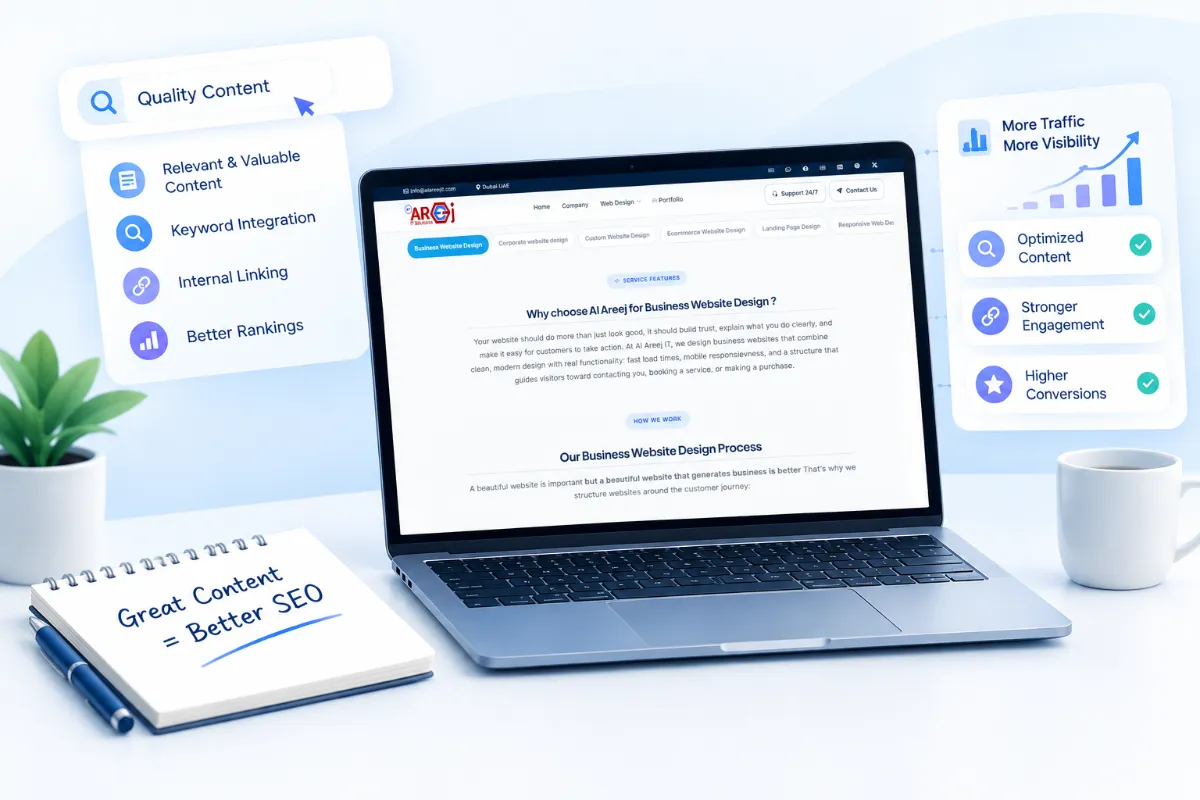
Professional Content SEO Services
Improve your search rankings with content SEO services. We optimize website content, target relevant keywords, and create SEO-friendly content to attract organic traffic.
Read the articleA complete beginner-friendly guide to SEO – what it is, how it works, its types, benefits, and how to use it to grow your website on Google and other AI Search.
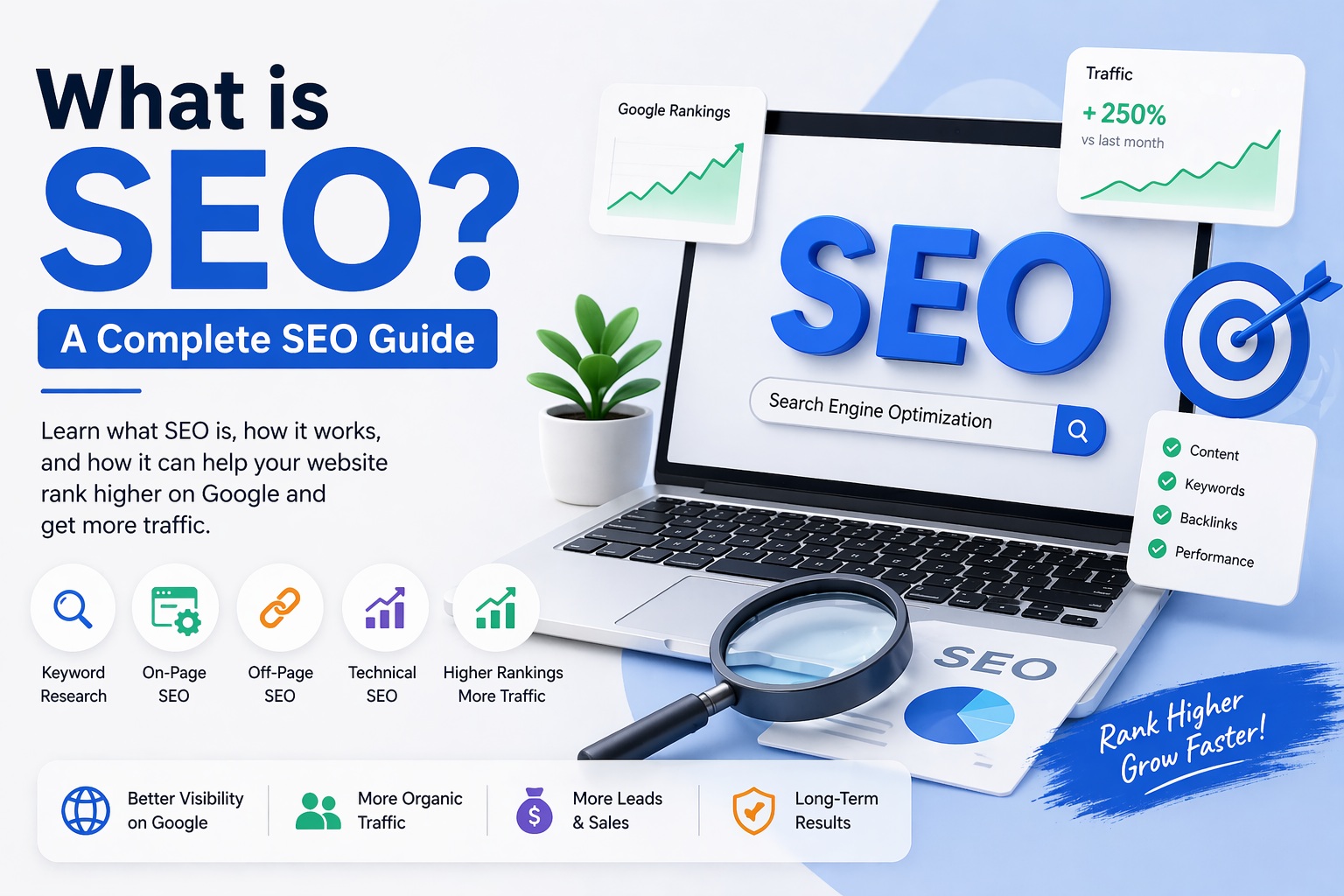
SEO stands for Search Engine Optimization. It is the process of improving your website so that it shows up higher in search engine results — like Google or Bing — when someone searches for something related to your business, product, or content.
Think of it this way: When you type "best pizza near me" or "how to fix a leaking tap" into Google, you get a list of websites. The websites at the top of that list didn't just get lucky. They followed SEO practices that told Google: "My page is the most useful and relevant answer for this question."
SEO is not about tricking Google. It is about making your website genuinely better — faster, clearer, more useful, and more trustworthy — so that search engines have a good reason to recommend it.
If you own a business, write a blog, run an online store, or create any kind of website, SEO is one of the most important skills you can learn. It drives free, targeted traffic to your site every single day without paying for ads.
Before you can do SEO properly, you need to understand how search engines actually work. It is a three-step process.
Search engines use small programs called "crawlers" or "spiders" (like Googlebot) that browse the internet and visit websites. They follow links from page to page, collecting information about every page they find.
After a page is crawled, Google stores it in a massive database called the "index." Think of it like a huge library where every web page is a book. If your page is not in the index, it will never appear in search results.
When someone types a search query, Google looks through its index and ranks the most relevant and useful pages at the top. It uses over 200 ranking signals (factors) to decide which page deserves spot #1.
Your job as an SEO practitioner is to help search engines crawl and index your site easily, and then give Google enough good reasons to rank your pages above your competitors.
You might be wondering — why not just run ads? Why bother with SEO at all?
Here is the honest answer: ads stop the moment you stop paying. SEO keeps working for you 24 hours a day, 7 days a week, long after the initial work is done.
Organic (non-paid) search results send free visitors to your site every day. You do not pay per click.
People who find you through search are already looking for what you offer. They are warm leads, not cold audiences.
Most people trust Google's top results. Ranking high signals authority and builds brand trust automatically.
A well-optimized page can rank for years, generating compounding returns on your one-time effort.
SEO covers desktop, mobile, and voice search — meeting users wherever they search.
Compared to paid ads, SEO often delivers a much better return on investment over the long run.
"Over 68% of all online experiences begin with a search engine. If you are not found there, you are invisible to most of the internet."
Whether you run a local bakery, a global e-commerce store, or a personal blog, SEO is one of the highest-leverage activities you can invest your time in.
SEO is not one single thing. It is a collection of strategies that work together. There are three main types:
| Type | What It Covers | Example |
|---|---|---|
| On-Page SEO | Everything you do on your website pages — content, titles, headings, images, internal links | Writing a well-structured blog post with the right keywords |
| Off-Page SEO | Actions taken outside your site to boost its reputation — mainly backlinks and mentions | Getting another website to link to your article |
| Technical SEO | The behind-the-scenes health of your website — speed, crawlability, security, mobile-friendliness | Making your site load in under 3 seconds |
| Local SEO | Optimizing for location-based searches — important for physical businesses | Showing up when someone searches "dentist in Lahore" |
A strong SEO strategy covers all three main types. Ignoring any one of them leaves gaps that competitors can exploit.
On-page SEO refers to all the things you can control directly on your own web pages. It is the most accessible type of SEO for beginners and has a huge impact on rankings.
The title tag is the clickable headline that appears in Google search results. It should include your main keyword, be under 60 characters, and clearly tell users what the page is about.
This is the short description below the title in search results. While it does not directly affect rankings, a well-written meta description improves your click-through rate — meaning more people click on your link.
Use headings to structure your content. Every page should have one H1 (the main title) and multiple H2s and H3s to organize subtopics. Headings help both readers and Google understand what each section is about.
Place your target keyword naturally throughout the content — in the title, first paragraph, a few headings, and throughout the body. Do not stuff keywords unnaturally. Write for people first; sprinkle keywords where they make sense.
Clean, short URLs rank better. Use hyphens to separate words and include your keyword.
Every image on your page should have descriptive alt text that tells Google what the image shows. Also compress images to reduce file size and improve page speed.
Link to other relevant pages on your own website. This helps Google crawl your site and understand the relationship between your pages. It also keeps visitors on your site longer.
Longer, more complete content tends to rank better — not because of word count alone, but because it answers more questions and provides more value. A page that fully covers a topic is more likely to satisfy the reader.
Off-page SEO is everything that happens outside your website but still affects your rankings. It is mainly about building your site's reputation and authority on the internet.
A backlink is when another website links to your page. Google treats backlinks like votes of confidence. If a trusted, high-authority website links to you, Google sees that as a strong signal that your content is valuable.
When your brand is mentioned online — even without a direct link — it contributes to your overall authority. Being active on social media and getting people to share your content also sends positive signals about your brand's relevance.
Technical SEO is about making sure your website works properly so that search engines can find, crawl, and understand it without any problems. Even great content can rank poorly if the technical foundation is weak.
Google has confirmed that page speed is a ranking factor. A slow site frustrates users and increases bounce rate. Aim for a load time under 3 seconds. Tools like Google PageSpeed Insights will show you exactly what to fix.
More than 60% of searches happen on mobile devices. Google uses "mobile-first indexing," meaning it primarily uses the mobile version of your site for ranking. If your site looks broken on a phone, your rankings will suffer.
Websites with HTTPS (the padlock in the browser) are considered secure. Google gives a small ranking boost to HTTPS sites, and users trust them more. If your site still uses HTTP, switch to HTTPS immediately.
A sitemap is a file that lists all the important pages on your website. Submitting it to Google Search Console helps Google find and index your pages faster.
This file tells search engine crawlers which pages they are allowed to visit. Incorrect settings can accidentally block Google from crawling your most important pages.
Having the same content on multiple URLs confuses Google. Use canonical tags to tell Google which version of a page is the "official" one you want ranked.
Google introduced Core Web Vitals as a set of measurable user experience signals. They measure how fast content loads (LCP), how quickly a page responds to clicks (INP), and how stable the layout is as it loads (CLS). Good scores in all three areas contribute to better rankings.
Keywords are the words and phrases people type into search engines. When you know what your audience is searching for, you can create content that directly answers those searches.
| Keyword Type | Description | Example | Difficulty |
|---|---|---|---|
| Short-Tail | 1-2 words, very broad | "SEO" | Very High |
| Mid-Tail | 2-3 words, more specific | "What is SEO" | Medium |
| Long-Tail | 4+ words, very specific | "What is SEO for small businesses" | Low |
Beginners should focus on long-tail keywords. They have lower competition and attract visitors who know exactly what they want — making them more likely to convert into customers or subscribers.
Think about what your business or content is about. Write down 5-10 broad topics your audience cares about.
Plug those topics into tools like Google Keyword Planner, Ubersuggest, or Ahrefs to find related searches and their monthly search volumes.
Is the searcher looking for information, trying to buy something, or comparing options? Match your content to that intent.
Look at what pages currently rank for your target keyword. If the top 10 results are all major brands with thousands of backlinks, choose a less competitive keyword first.
Search intent is the "why" behind a search. Google has gotten very good at understanding what people actually want. If someone searches "how to bake bread," they want instructions — not a page selling flour. Always match your content to the intent behind the keyword.
There is an old saying in digital marketing: "Content is king." It still holds true. Without good content, even the best technical SEO will not get you far.
Google's goal is to give users the best possible answer to their question. If your content is the clearest, most complete, and most helpful answer on the internet, Google has a very good reason to rank it at the top.
Different content types attract different kinds of traffic. A healthy content strategy uses a mix:
Step-by-step articles that solve a specific problem. Great for informational keywords.
"10 Best Tools for X" — easy to read and share. High click-through rates.
"X vs Y" content targets commercial intent searches from people close to making a decision.
Studies and data reports attract backlinks naturally as others cite your findings.
Google values fresh, current content — especially for topics that change over time (news, software, health advice). Go back and update your top-performing articles every 6-12 months to keep them relevant and maintain or improve their rankings.
If you run a business that serves customers in a specific city or region — a restaurant, clinic, gym, law firm, or any local service — Local SEO is essential for you.
Local SEO helps you appear in location-based searches like "pizza shop in Islamabad" or in the map pack that appears at the top of Google results with business listings, phone numbers, and directions.
People often ask: should I do SEO or just run Google Ads? Here is an honest comparison.
| Factor | SEO (Organic) | PPC (Paid Ads) |
|---|---|---|
| Cost per click | Free | You pay per click |
| Time to results | Months (long-term) | Immediate |
| Sustainability | Keeps working without paying | Stops when budget runs out |
| Trust | High — users trust organic results | Lower — ads are labeled |
| Click-through rate | Higher for most searches | Lower (people skip ads) |
| Best for | Long-term brand building | Quick promotions, product launches |
The ideal approach? Use both. Run paid ads for immediate visibility and conversions while building your SEO for sustainable, long-term free traffic. As your SEO grows, you can reduce your ad spend.
Google uses over 200 signals to decide which pages to rank. Here are the most important ones you should focus on:
The quality and quantity of other websites linking to you. The single most powerful ranking factor.
How well your content answers the searcher's query and covers the topic completely.
Whether your page actually matches what the user is searching for.
Faster pages rank better. Google penalizes slow sites — especially on mobile.
Your site must work perfectly on smartphones and tablets.
Experience, Expertise, Authoritativeness, and Trustworthiness — especially critical for health, finance, and legal topics.
Low bounce rates, long time on page, and satisfied users signal to Google that your page is good.
Updated content ranks better for time-sensitive topics. Regular updates signal an active, maintained site.
Not all SEO is done the right way. There are two broad approaches — and choosing the wrong one can get your website permanently removed from Google's search results.
White hat SEO follows Google's guidelines. It focuses on creating genuine value for users — quality content, good user experience, honest link building. Results take time but they are stable and lasting.
Black hat SEO tries to game the algorithm using tricks and shortcuts. It might work briefly, but Google eventually detects it and penalizes the site — often wiping out all rankings overnight.
You do not need expensive tools to start with SEO, but the right tools save enormous amounts of time and help you make smarter decisions.
| Tool | Best For | Price |
|---|---|---|
| Google Search Console | Monitoring your site's performance in Google — free and essential | Free |
| Google Analytics | Understanding your website traffic and user behavior | Free |
| Google Keyword Planner | Finding keyword search volumes and ideas | Free |
| Ubersuggest | Beginner-friendly keyword research and site audit | Free / Paid |
| Ahrefs | Backlink analysis, keyword research, competitor research | Paid |
| SEMrush | All-in-one SEO platform — keywords, audits, tracking | Paid |
| Screaming Frog | Technical SEO audit — crawls your site and finds issues | Free (limited) / Paid |
| PageSpeed Insights | Checking your page load speed and Core Web Vitals | Free |
For beginners: Start with Google Search Console and Google Analytics. They are both free, powerful, and directly from Google. Once you are more comfortable, add a keyword research tool like Ubersuggest.
SEO can feel overwhelming at first. Here is a simple, practical plan for beginners:
These two free tools are essential. They show you which pages are ranking, what keywords are driving traffic, and how users behave on your site.
Find 10-20 long-tail keywords that your target audience searches for. Focus on topics you can realistically create better content than what is already ranking.
Write one genuinely excellent piece of content for each target keyword. Make it the most useful and complete resource on that topic.
Add the keyword in your title tag, URL, first paragraph, and naturally throughout the content. Use headings to organize it. Add alt text to images.
Run a basic technical audit. Make sure your site is fast, mobile-friendly, and uses HTTPS. Submit your sitemap to Google Search Console.
Share your content. Reach out to relevant websites. Write guest posts. Get listed in directories. Start small and build momentum.
SEO is not instant. Most new pages take 3-6 months to start ranking. Keep publishing, keep improving, and keep building links. The results compound over time.
For a new website, expect to wait 3 to 6 months before seeing meaningful results. For established sites with some authority, well-optimized pages can rank in a few weeks. SEO is a long game — but the results last far longer than paid ads.
Not necessarily — especially at the beginning. You can learn and implement most SEO basics yourself using free tools and guides. As your site grows or if you need faster results, hiring an experienced SEO professional or agency can be a smart investment.
Quality matters more than quantity. One well-researched, thorough article per week is far better than five thin, rushed posts. Consistency is key — whatever pace you choose, stick to it.
Directly? No — social media shares are not a ranking factor. Indirectly? Yes — social media helps your content reach more people, which can lead to more backlinks and more branded searches, both of which do help your rankings.
Organic results are the regular, non-sponsored listings that appear based on relevance and SEO. Paid results appear at the top with an "Ad" label — businesses pay Google every time someone clicks on them. SEO targets organic results.
Absolutely. The most important SEO activities — creating great content, optimizing pages, getting listed in directories, and using Google's free tools — cost nothing but time. Many successful websites have been built with zero budget for SEO tools.
More than ever. Google processes over 8.5 billion searches every day. Despite AI, voice search, and other trends, search engines remain the primary way people find information, products, and businesses online. SEO will remain relevant for the foreseeable future.
SEO is not magic, and it is not mysterious. At its core, it is simply about creating a website that people find genuinely useful, making it easy for search engines to understand what it is about, and earning the trust of other reputable websites over time.
If you focus on those three things consistently — good content, good technical foundations, and good links — you will see results. It just takes patience and persistence.
Start today. Pick one keyword, write one great article, optimize it properly, and publish it. Then do it again next week. That is how SEO works — one step at a time.
↑ Back to TopHelpful tips, insights and updates on websites, software and digital growth.
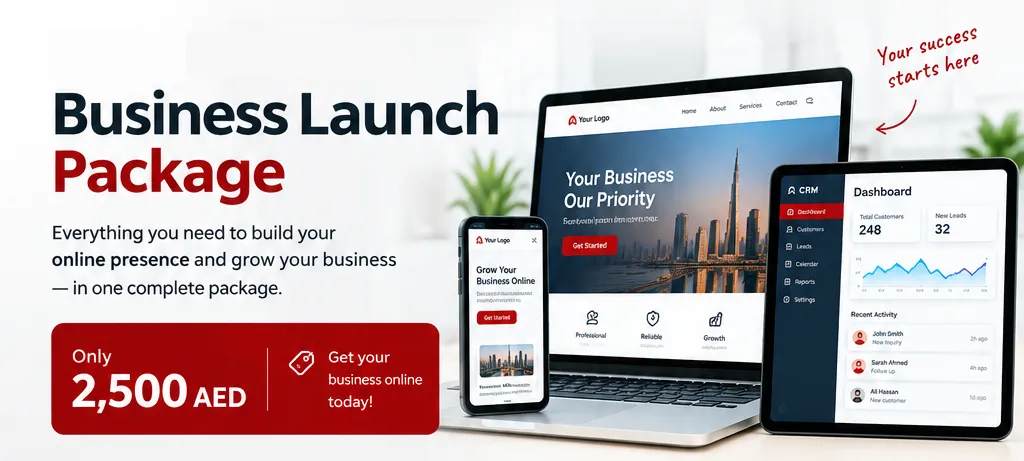
Launch your business online with the full Website Development Package include a domain, professional website design, CRM dashboard, basic SEO, and Google Business Profile setup.
Read the article
Improve your search rankings with content SEO services. We optimize website content, target relevant keywords, and create SEO-friendly content to attract organic traffic.
Read the article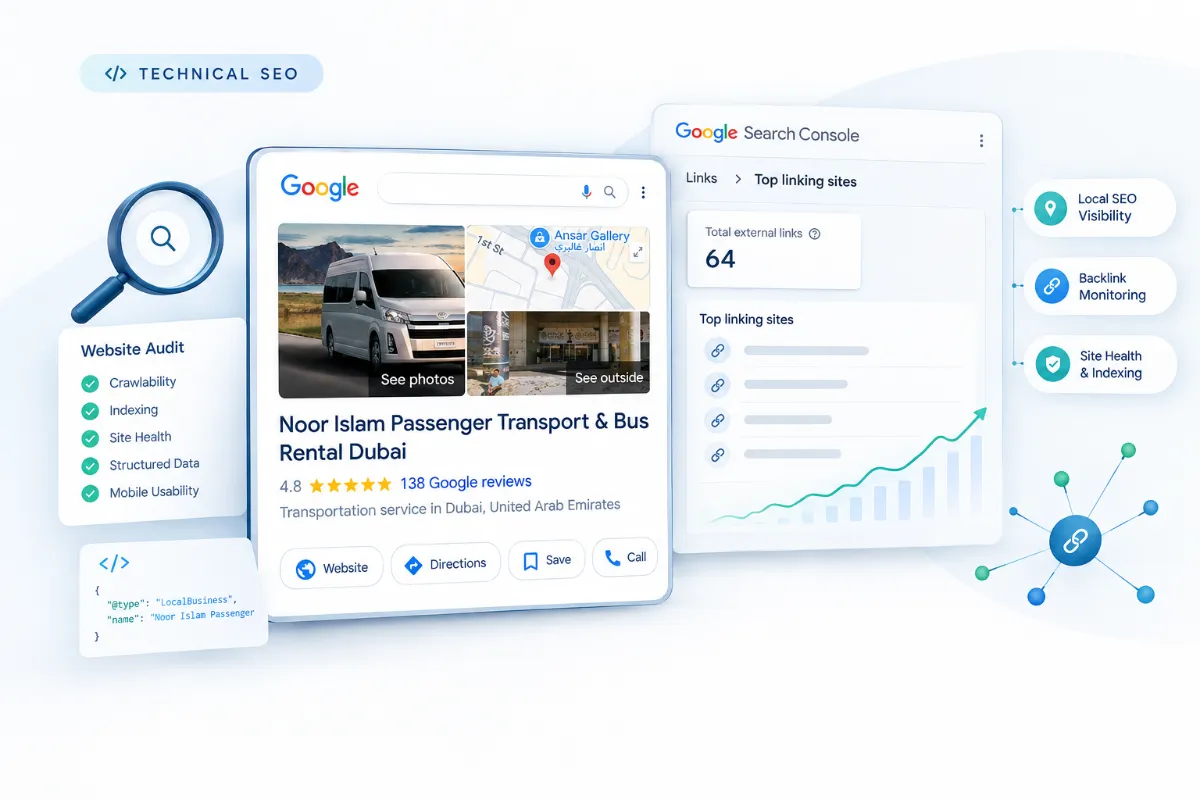
Improve website performance, crawlability, indexing, mobile usability, and technical health with professional technical SEO services.
Read the article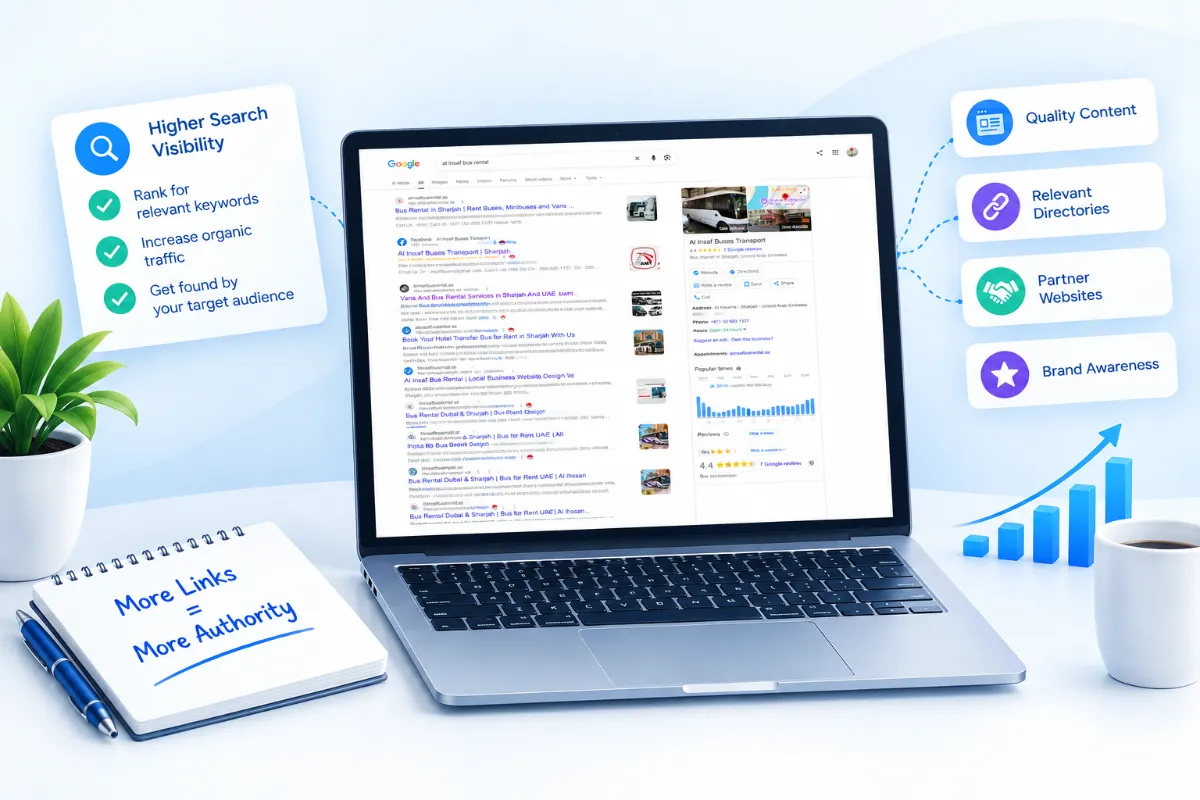
Improve your website authority and search visibility with off-page SEO services, including quality link building, business citations, and online reputation management.
Read the article


