
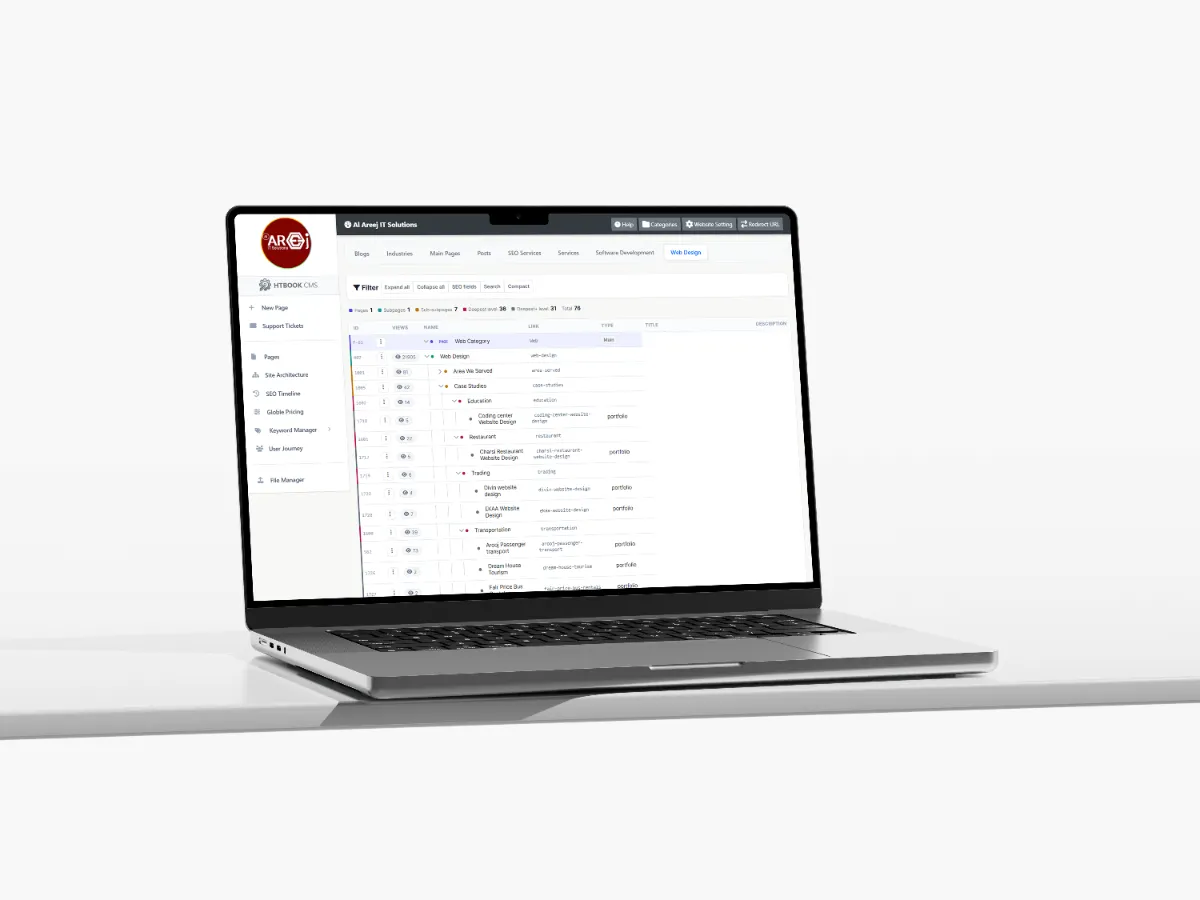
Powerful Content Management System for Websites
Manage website pages, content, SEO, URLs, files, and site structure from one powerful Content Management System built by Al Areej IT.
Read the articleDiscover the top website design trends for 2026, from AI-powered experiences and mobile-first design to accessibility, faster websites, and modern UI/UX.
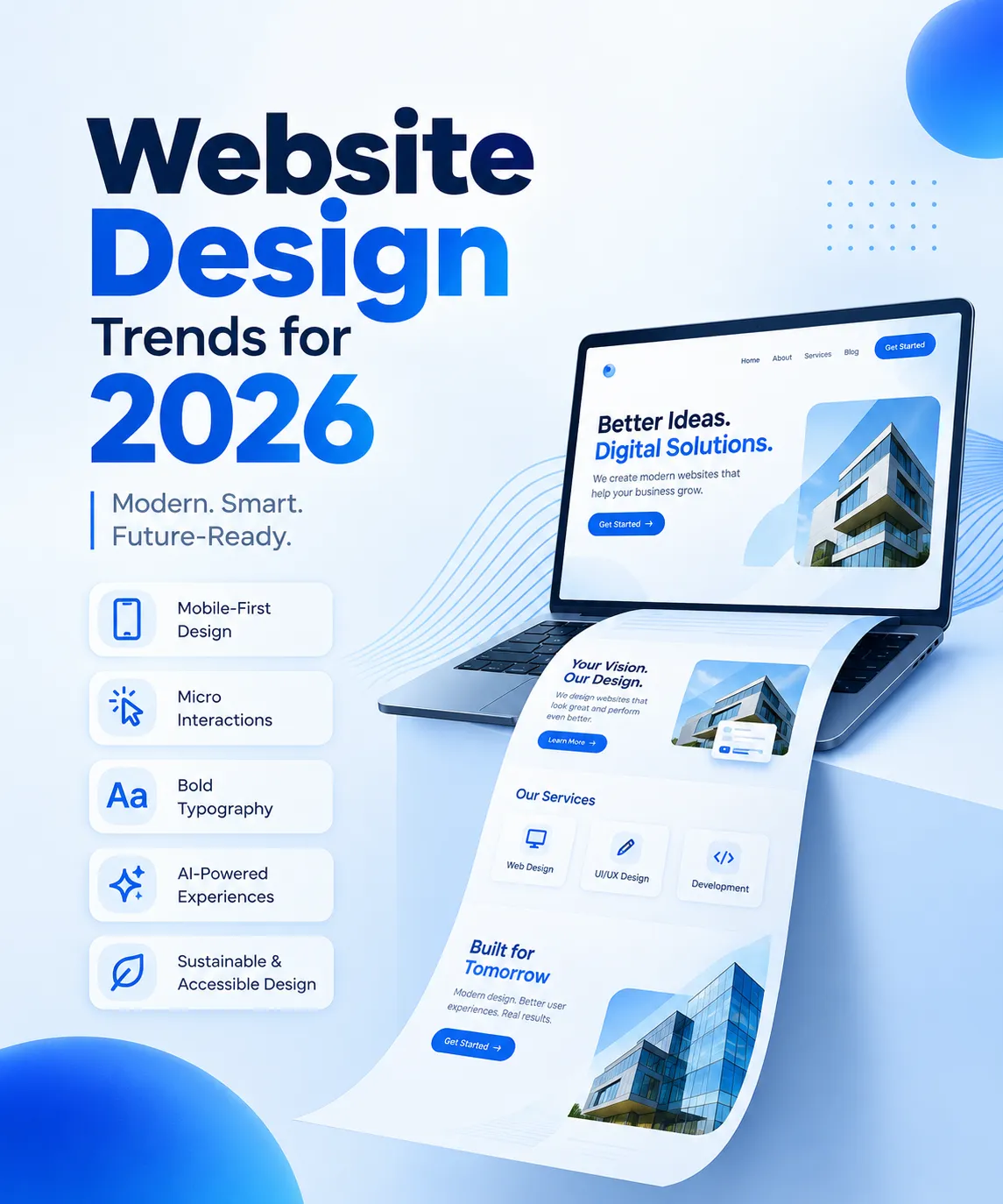
Your website is often the first place potential customers go to learn about your business. In 2026, a successful website needs to do more than look attractive. It should load quickly, work smoothly on mobile devices, communicate your brand clearly, and make it easy for visitors to take action.
The latest website design trends for 2026 bring together visual creativity, smarter digital experiences, accessibility, and performance. Businesses are moving toward websites that feel more personal and interactive while remaining easy to navigate and use.
Whether you are planning a new website or considering a redesign, understanding these trends can help you make better decisions about your online presence.
In this guide, we explore the most important website design trends for 2026 and explain how businesses can use them to create modern, user-friendly, and effective websites.
Artificial intelligence is becoming a more practical part of website design and development. Instead of showing every visitor exactly the same experience, websites can increasingly use relevant information and user choices to make content and interactions more helpful.
For example, a business website might offer an AI-powered assistant to answer common questions, guide visitors toward relevant services, or help users find information more quickly.
Personalization can also include tailored content recommendations, smarter search, and helpful prompts based on what a visitor is trying to accomplish.
However, AI should improve the customer journey rather than complicate it. Visitors should understand how to use these features, and businesses should protect user privacy and avoid collecting unnecessary personal information.
How businesses can use this trend:
Add a useful chatbot for common customer questions.
Improve website search and service discovery.
Personalize content when it genuinely benefits the visitor.
Make it easy to reach a human when automated assistance is not enough.
The goal is not to add AI simply because it is popular. It is to make the website more useful.
Mobile-friendly websites remain essential in 2026. Visitors may discover your business through a phone, tablet, laptop, or desktop computer, and they expect a consistent experience across devices.
Mobile-first web design starts by considering the needs of users on smaller screens before adapting the layout for larger displays. This approach encourages designers to prioritize essential content, clear navigation, readable text, and accessible actions.
A responsive website automatically adapts its layout to different screen sizes. Buttons should be easy to tap, images should fit their containers, and forms should be simple to complete without unnecessary zooming or scrolling.
What to prioritize:
Readable typography on small screens.
Simple menus and clear navigation.
Touch-friendly buttons and forms.
Images that scale appropriately.
Fast loading on mobile connections.
Consistent branding across devices.
For businesses, responsive web design helps visitors access important information wherever they are. It also supports a better overall user experience.
Visual design matters, but a beautiful website can still disappoint visitors if it loads slowly or responds poorly. In 2026, performance should be considered from the beginning of the design process rather than treated as a final technical adjustment.
Heavy animations, oversized images, unnecessary scripts, and poorly optimized page elements can affect loading speed and responsiveness. Designers and developers need to balance creative ideas with the practical needs of real users.
A performance-first website focuses on efficient code, optimized media, stable layouts, and responsive interactions.
Ways to improve website performance include:
Compressing images and serving appropriately sized files.
Using modern image formats where suitable.
Removing unnecessary scripts and plugins.
Applying caching and efficient hosting configurations.
Avoiding layout shifts as content loads.
Measuring real-user performance and Core Web Vitals.
Fast performance benefits visitors by making pages feel more responsive. It also supports search visibility and conversion goals, although no single speed improvement guarantees higher rankings.
A well-designed website should look polished and work efficiently.
Typography is becoming an important way for businesses to communicate personality and guide attention. Larger headlines, distinctive font combinations, and carefully structured text can make a website more memorable without requiring excessive decoration.
Good typography also improves usability. Visitors should be able to identify the main message, scan section headings, and understand the next step without struggling to read the page.
The key is to combine expressive design with legibility. A dramatic headline may work well for a hero section, but long paragraphs still need comfortable font sizes, line spacing, and readable contrast.
How to apply this trend:
Use a clear, descriptive headline at the top of each page.
Establish a consistent hierarchy for headings and body text.
Choose fonts that reflect your brand and remain readable.
Keep paragraph widths comfortable for reading.
Use bold text strategically rather than highlighting everything.
For a business website, typography should make the message easier to understand—not compete with it.
Micro-interactions are small visual responses that help users understand what is happening on a website. Examples include a button changing state when clicked, a form confirming successful submission, or a navigation menu opening smoothly.
When used carefully, these details make an interface feel more responsive and intuitive. They can also help visitors recognize actions and understand whether the website has registered their input.
However, animation should serve a clear purpose. Excessive motion can distract users, slow down pages, and create accessibility challenges for people who prefer reduced motion.
Useful examples include:
Clear hover and focus states for buttons and links.
Progress indicators for multi-step forms.
Simple confirmation messages after form submission.
Subtle transitions between interface states.
Animations that respect reduced-motion preferences.
The best micro-interactions are easy to notice when needed but never get in the way of completing a task.
Accessible web design helps more people use a website, including visitors who navigate with a keyboard, use assistive technology, or need additional visual clarity.
Accessibility should not be treated as a separate feature added after a website is finished. It works best when included in the design, content, and development process from the start.
A more accessible website typically has clear navigation, readable text, adequate color contrast, descriptive link labels, and forms that can be understood and completed using different input methods.
Accessibility practices to consider:
Provide meaningful alternative text for informative images.
Use headings in a logical order.
Make keyboard focus visible.
Label form fields clearly.
Maintain sufficient text and interface contrast.
Provide captions or transcripts for relevant media.
Avoid relying on color alone to communicate information.
Test with keyboard navigation and assistive technologies.
Accessibility improvements can make a website easier to use for a wider audience. Businesses should assess applicable accessibility standards and requirements for their markets rather than assuming one checklist guarantees compliance.
Minimalist web design continues to be useful because it helps visitors focus on what matters. In 2026, effective minimalism is not simply about removing content. It is about organizing information so people can find what they need without distraction.
Clear spacing, strong visual hierarchy, concise messaging, and a limited color palette can make a business website feel professional and easier to navigate.
At the same time, a website should not become so minimal that it hides important details or leaves visitors unsure about the business.
How to create a purposeful layout:
Focus each section on one main message.
Remove decorative elements that do not support the user journey.
Use whitespace to separate related content.
Keep navigation labels clear and specific.
Place important calls to action where users can find them.
Include enough information to build confidence and answer common questions.
The goal is to make the website feel clear, distinctive, and easy to use.
Visitors want to understand the people and expertise behind a business. Authentic photography, original illustrations, clear service descriptions, and real examples of work can help a website feel more credible than a generic template filled with stock visuals.
This does not mean every business needs a large photography budget. Carefully selected imagery, consistent iconography, and a recognizable visual identity can all help communicate the brand.
AI-generated imagery may also be useful in some contexts, but it should be reviewed for quality, accuracy, relevance, and consistency with the brand.
Ideas for making your website feel more authentic:
Show your team, workspace, or real projects when appropriate.
Use original screenshots or case studies to demonstrate expertise.
Explain your process and what clients can expect.
Keep visual styles consistent across the website.
Make contact details and company information easy to find.
Authentic design is most effective when the visuals support truthful, useful information about the business.
Dark interfaces remain popular in many digital products, and some websites offer a choice between light and dark themes. A well-implemented theme can make the experience more comfortable for users in different environments and give a brand more flexibility.
However, dark mode is not automatically the best option for every website. The right choice depends on the content, audience, brand identity, and readability requirements.
If you offer multiple themes, text contrast, icons, form fields, images, and interactive states should remain clear in each one. The website should also respect user preferences where practical.
Before implementing dark mode:
Test text and interface contrast.
Ensure images and logos work against both backgrounds.
Check links, buttons, forms, and navigation states.
Avoid using color alone to indicate status.
Test the theme on mobile and desktop devices.
A flexible theme is valuable only when it improves the visitor experience.
Website design and search engine optimization work best together. A website may look impressive, but if its content is unclear, its navigation is confusing, or search engines cannot access important page information, it may struggle to attract the right visitors.
SEO-friendly web design considers site structure, page speed, mobile usability, content hierarchy, descriptive URLs, and internal linking.
Every important page should have a clear purpose. Service pages should explain what the business offers, who it helps, and how visitors can take the next step. Blog articles should answer real questions and connect readers to relevant pages on the site.
SEO-friendly design practices include:
Use descriptive page titles and meta descriptions.
Organize content with meaningful H1, H2, and H3 headings.
Create readable URLs.
Link related service pages and blog posts together.
Add descriptive alternative text to meaningful images.
Ensure important content is accessible to search engines.
Monitor performance, indexing, and user behavior.
SEO is not achieved by adding keywords everywhere. It depends on providing useful content and making the website easy for both people and search engines to understand.
A business website should help visitors move from learning about a service to taking a useful next step. Calls to action (CTAs) make that journey clearer.
Depending on your business model, a CTA might invite a visitor to request a consultation, submit a project brief, explore a service, or contact your team.
A successful CTA is specific, easy to find, and connected to the content around it. Too many competing buttons can create confusion, while vague labels may not tell users what happens next.
Examples of effective calls to action include:
Request a Website Consultation
Explore Our Web Design Services
Discuss Your Project
View Our Portfolio
Contact Our Team
Place CTAs where they make sense in the visitor journey. Explain the value of taking the next step, and keep forms as simple as possible.
Not every trend will suit every business. A design that works for a creative studio may not be appropriate for a professional services company or a complex software provider.
Before redesigning your website, consider these questions:
Who is the audience? Understand what visitors want to learn or accomplish.
What is the main goal? Decide whether the website should generate enquiries, showcase projects, support customers, or encourage another action.
What currently needs improvement? Review mobile usability, page speed, navigation, content clarity, and conversion paths.
Which trends solve a real problem? Choose improvements that make the website more useful rather than following trends for appearance alone.
How will success be measured? Monitor relevant indicators such as enquiries, form completions, engagement, and performance metrics.
A practical redesign prioritizes the biggest user problems first. Visual refinements and new features should support that strategy.
A professional website combines design, content, usability, technical performance, and business goals. Each element contributes to how visitors understand your brand and decide whether to contact you.
An experienced web design team can help plan the site structure, establish a consistent visual identity, create responsive layouts, improve user journeys, and coordinate development with SEO requirements.
If your current website feels outdated, performs poorly on mobile, or does not communicate your services clearly, a redesign may be an opportunity to address these issues together.
The right approach is not to copy every new trend. It is to build a website that reflects your brand, serves your audience, and supports your business objectives.
Helpful tips, insights and updates on websites, software and digital growth.

Discover the 5 things customers look for within seconds of opening your website, from clear messaging and professional design to trust, navigation, and strong calls to action.
Read the article
Manage website pages, content, SEO, URLs, files, and site structure from one powerful Content Management System built by Al Areej IT.
Read the article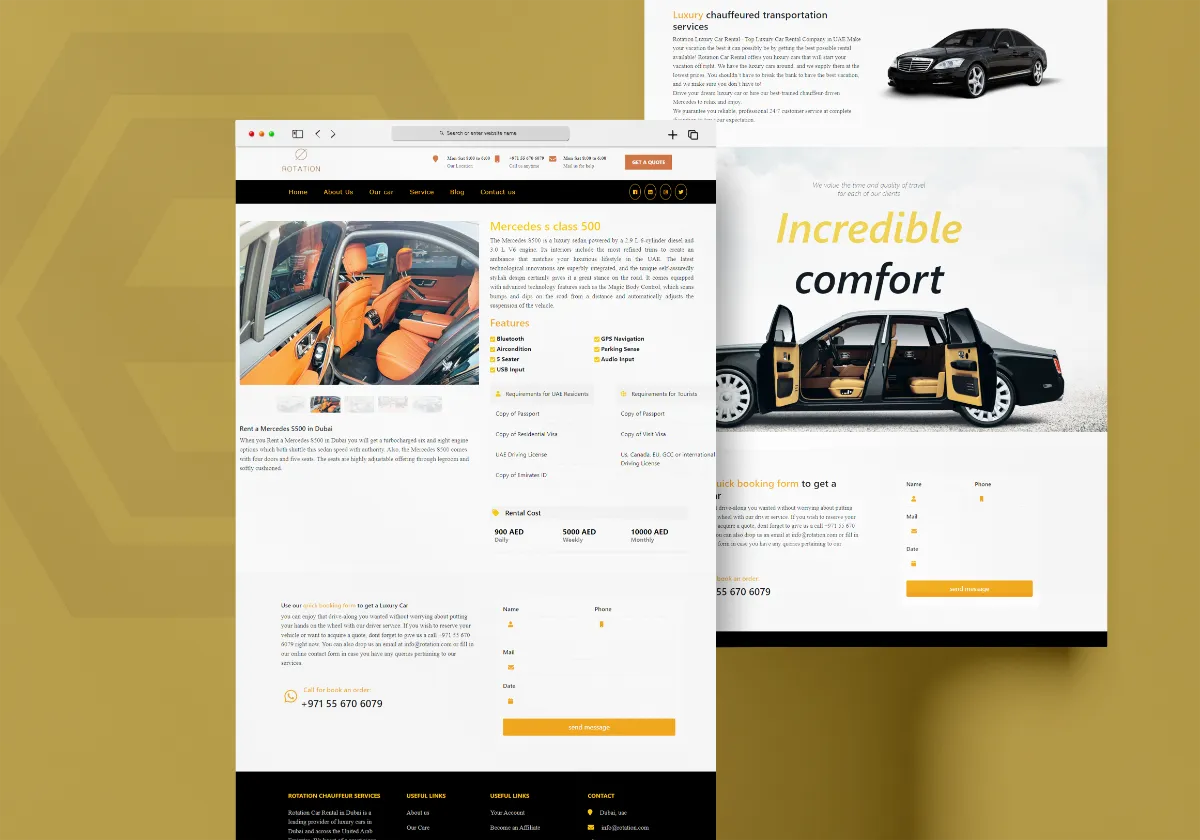
Discover how Al Areej IT designed a professional website for Rotation Car Rental with responsive design, SEO-friendly structure, and stronger Google visibility.
Read the article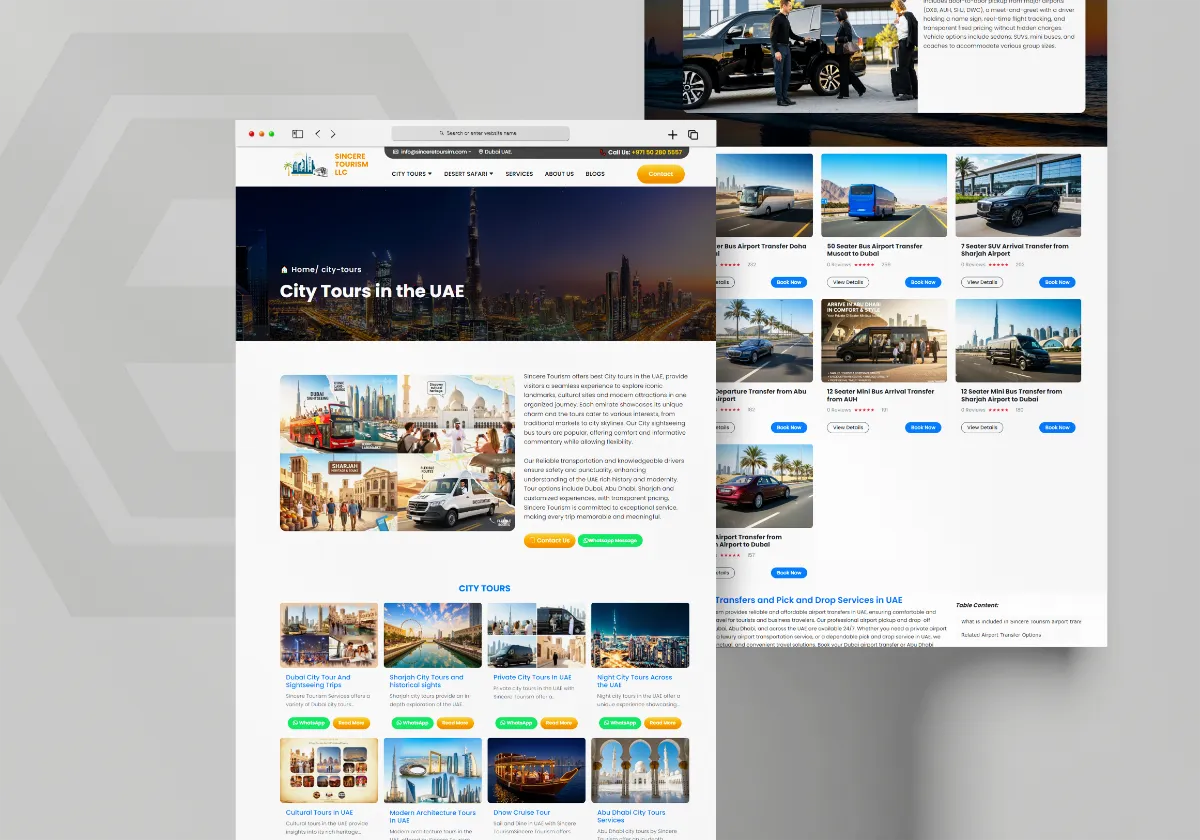
See how Al Areej IT developed a professional website for Sincere Tourism with user-friendly design, SEO-ready content, and stronger Google visibility.
Read the article


